Instant Canvas Mockup Generator
Visualize your wall art in stunning living room scenes. Create professional canvas mockups for Etsy, Amazon, and Shopify in seconds.
TRUSTED BY WALL ART SELLERS ON
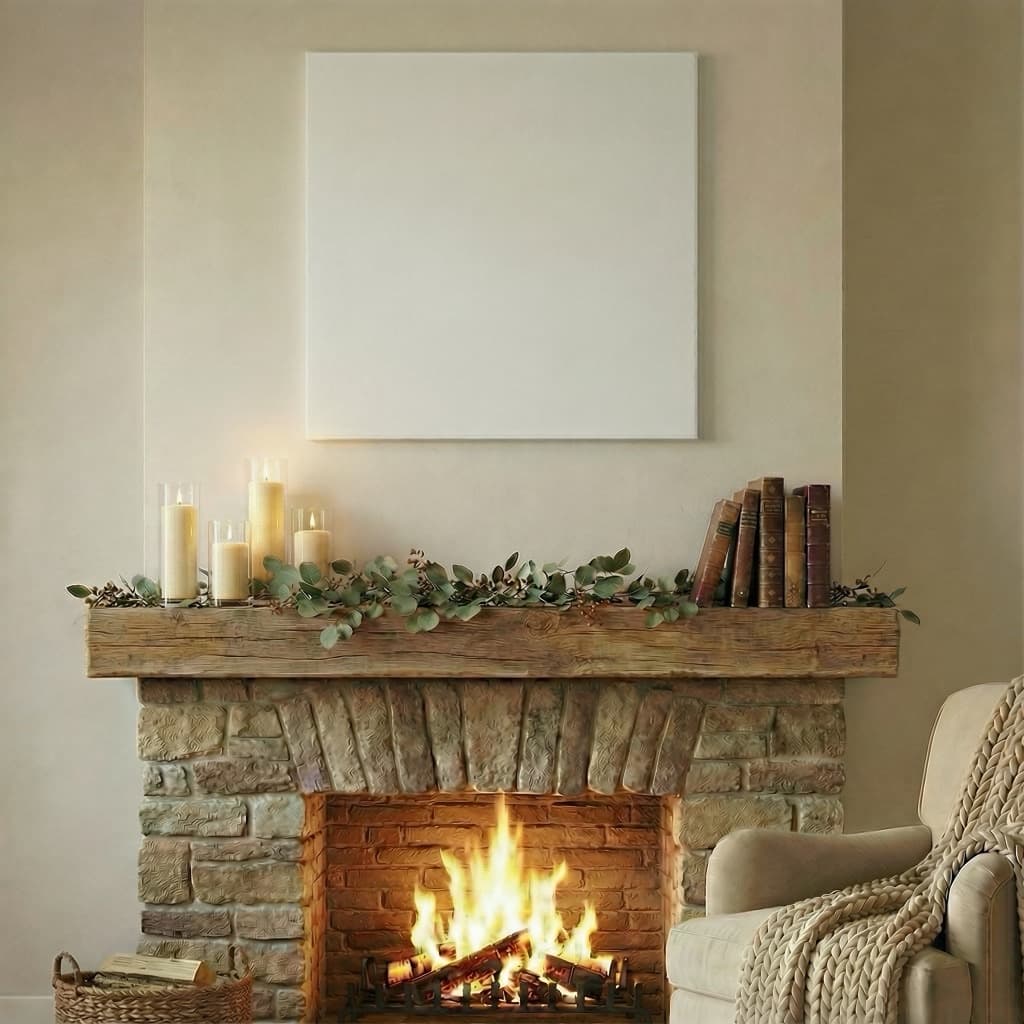
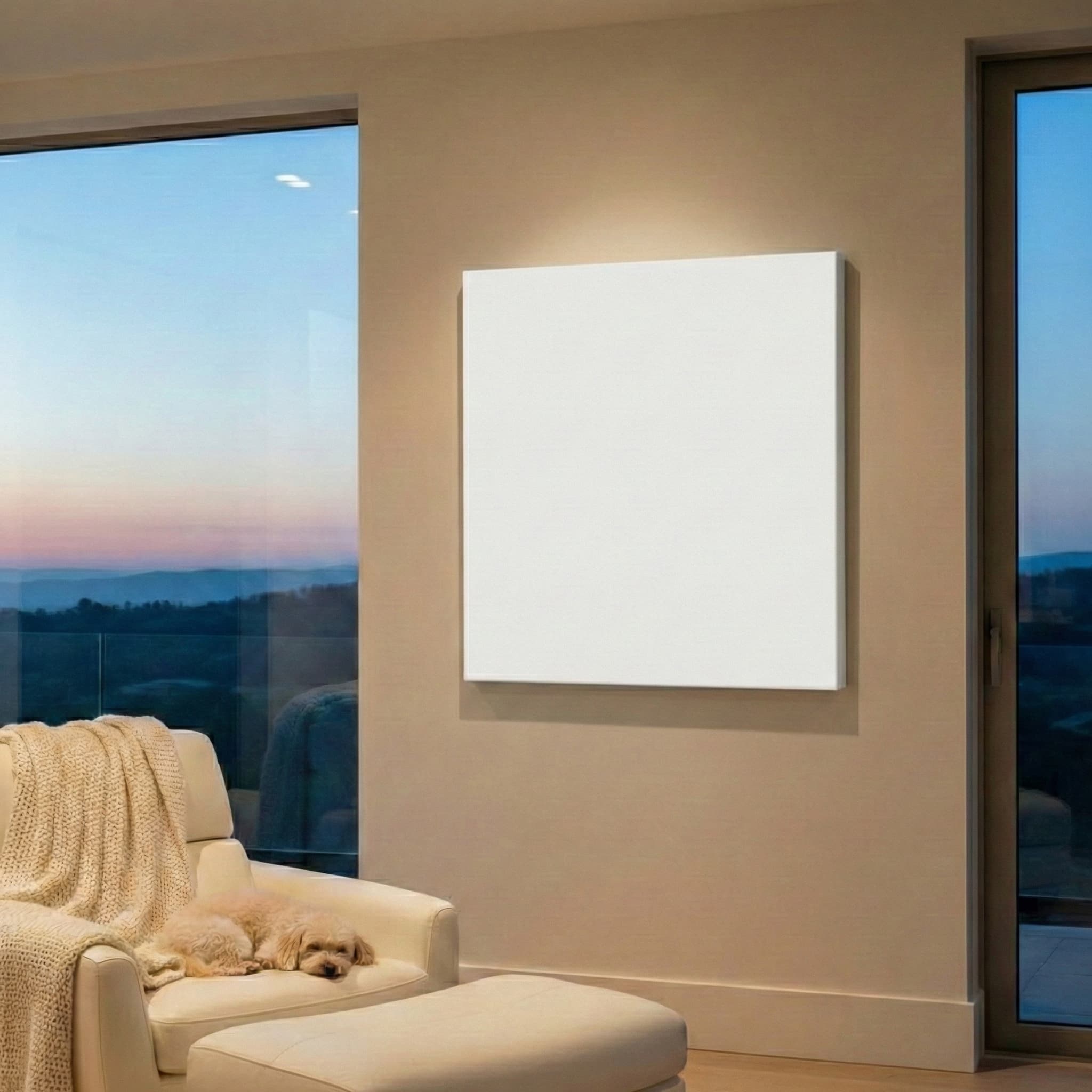
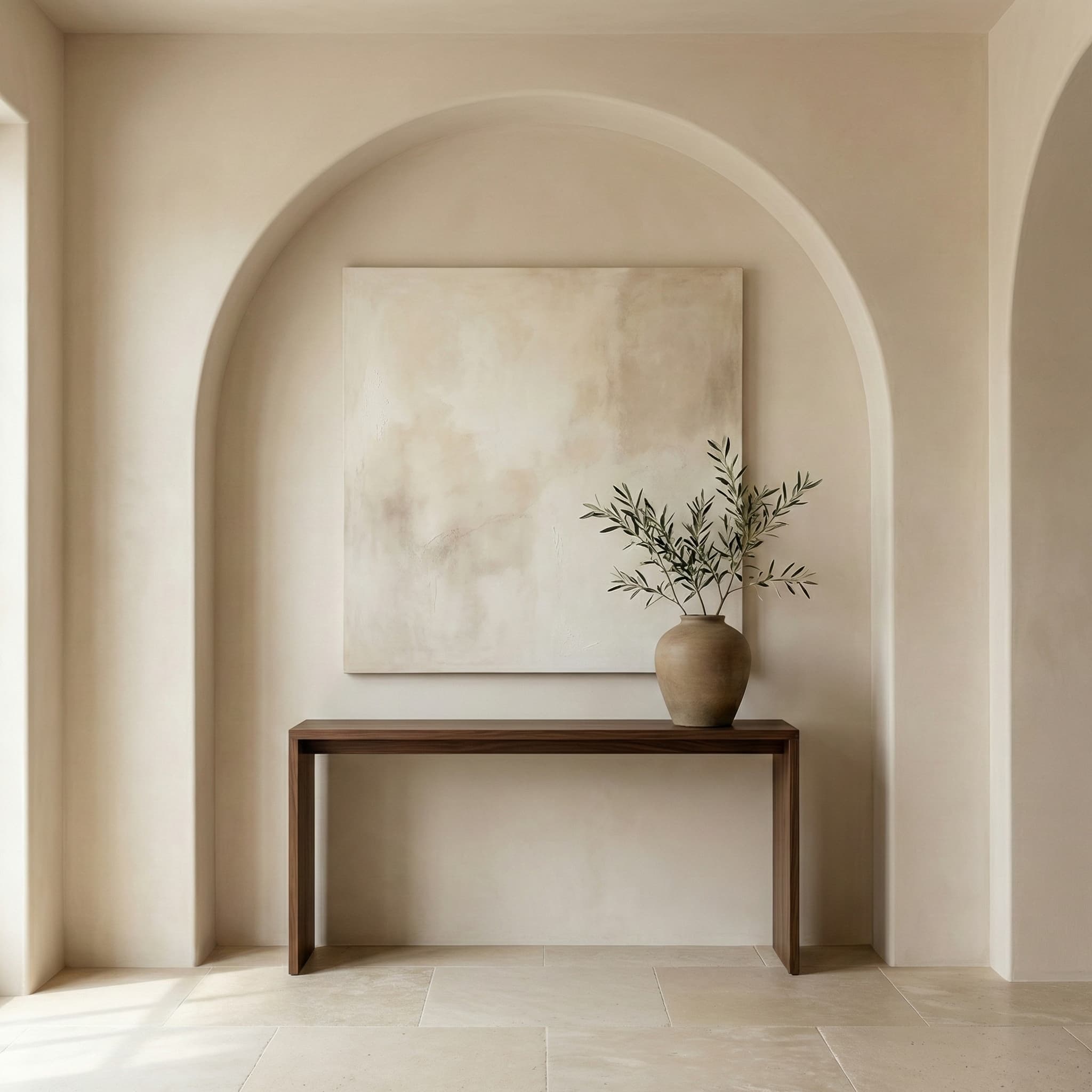
Beautiful Living Room Scenes
Choose from dozens of professionally designed interior scenes for your canvas wall art
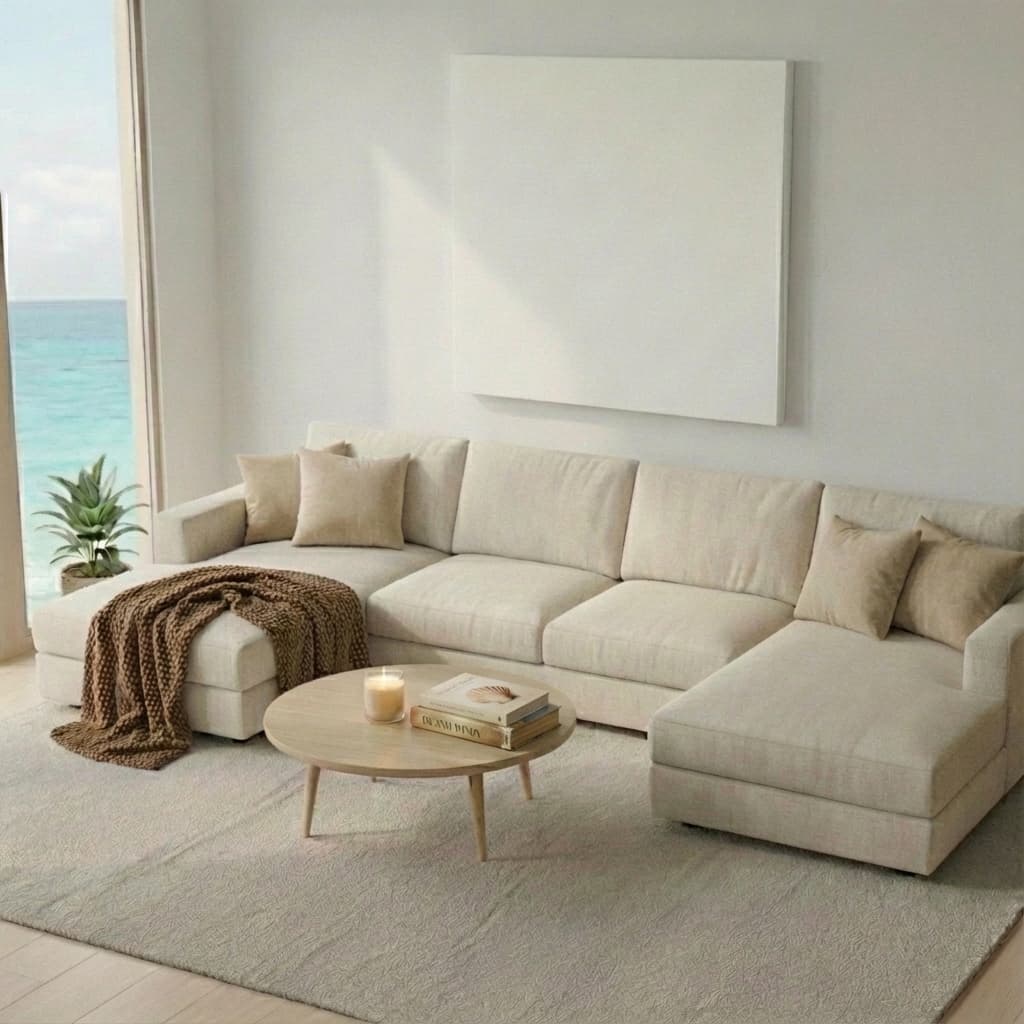
Coastal Living Room
Bright beachy interior
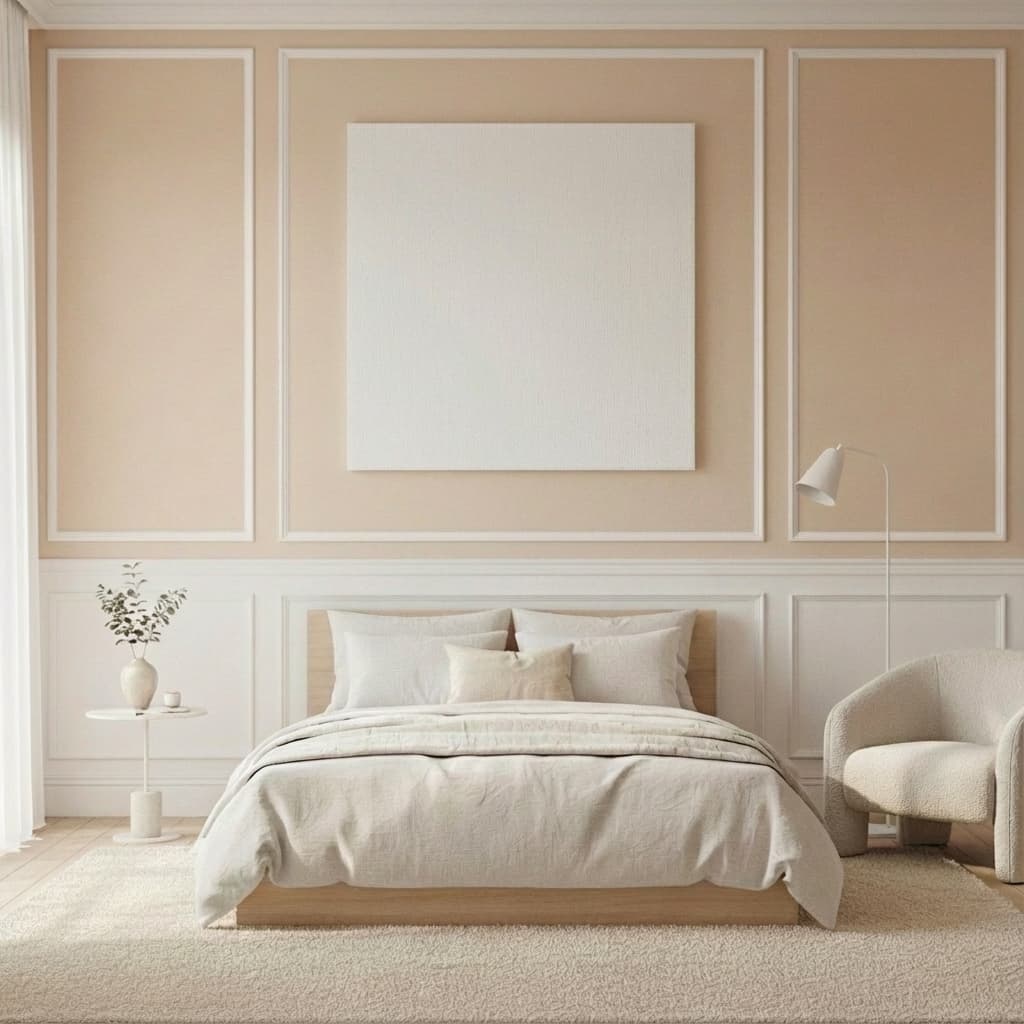
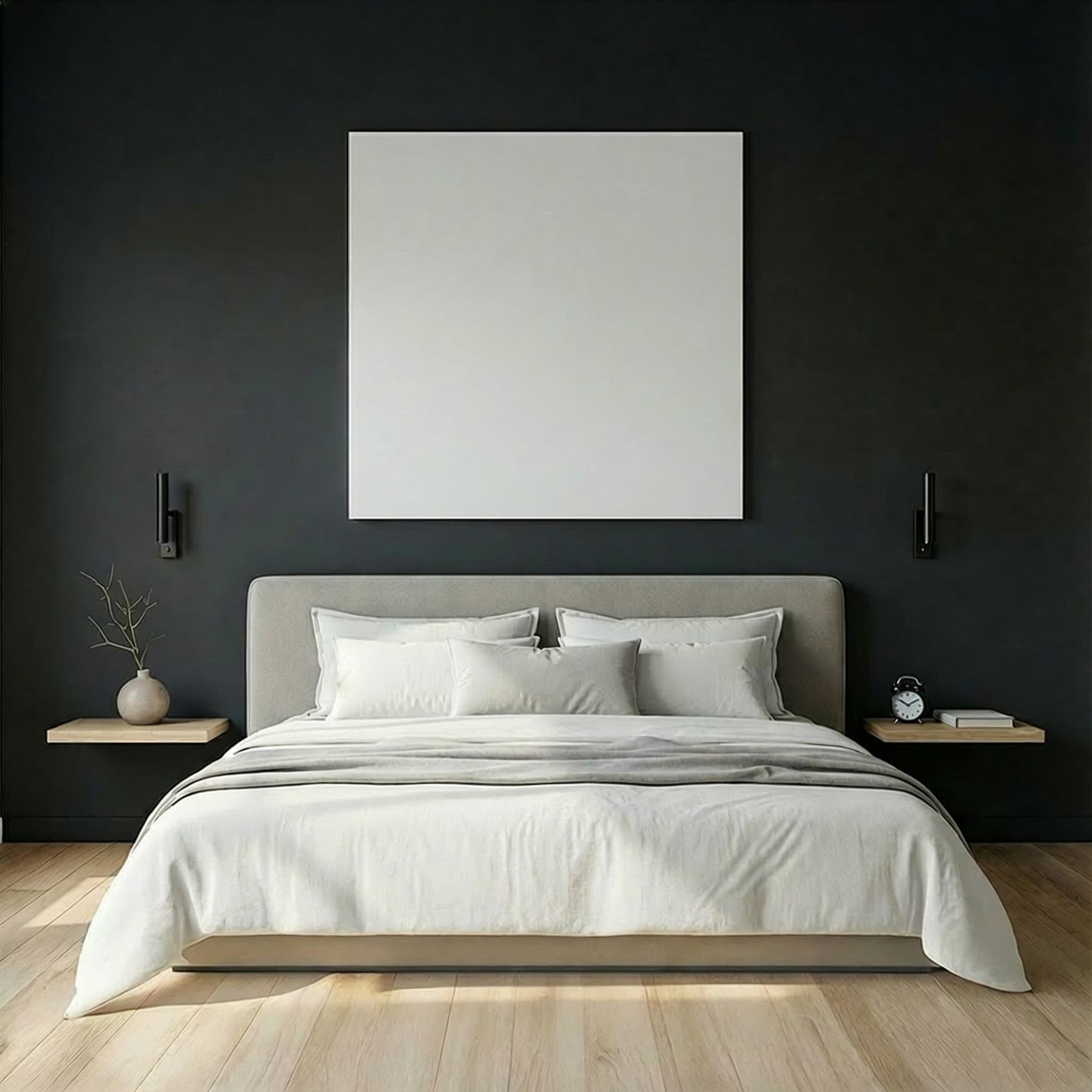
Quiet Luxury Bedroom
Sophisticated moody tones
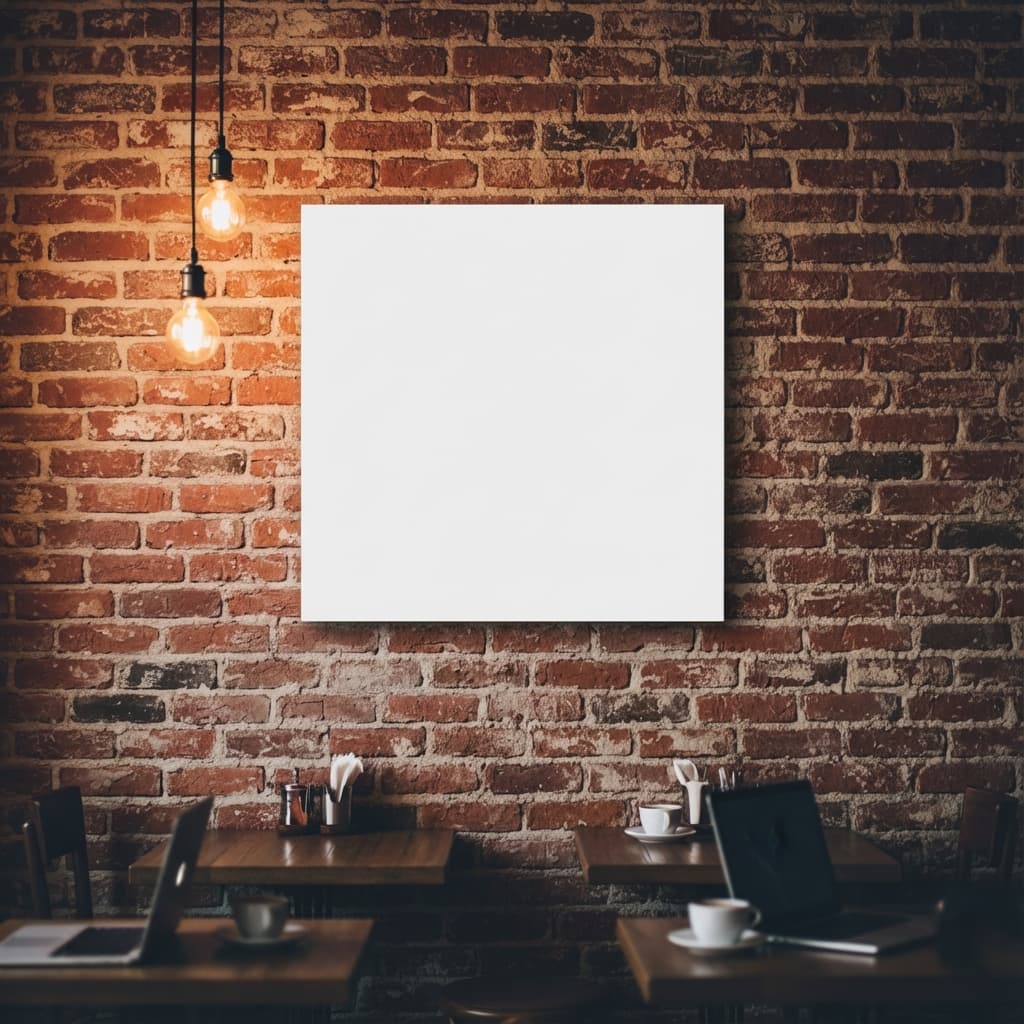
Industrial Cafe
Exposed brick close-up
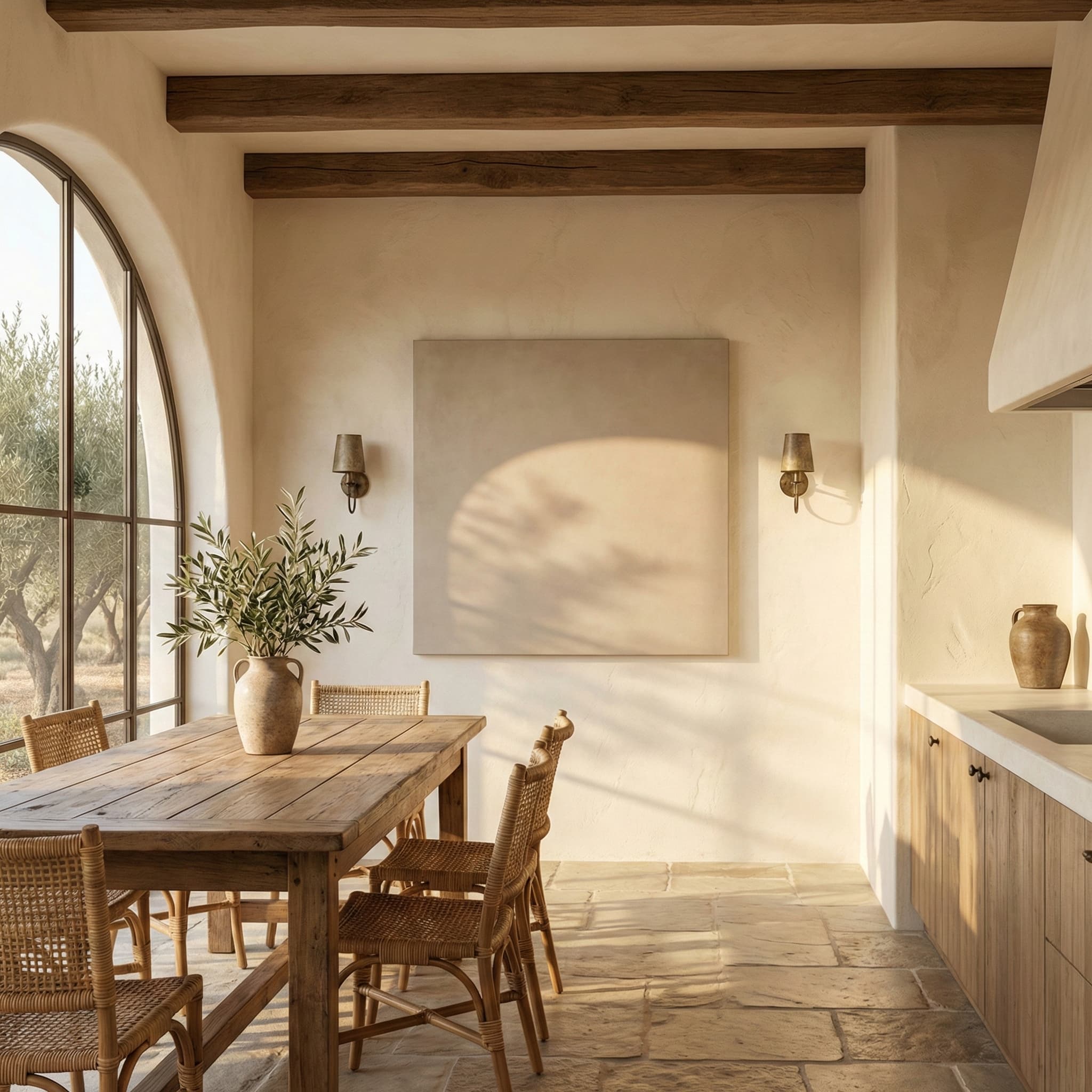
Golden Arch Dining
Elegant dining room
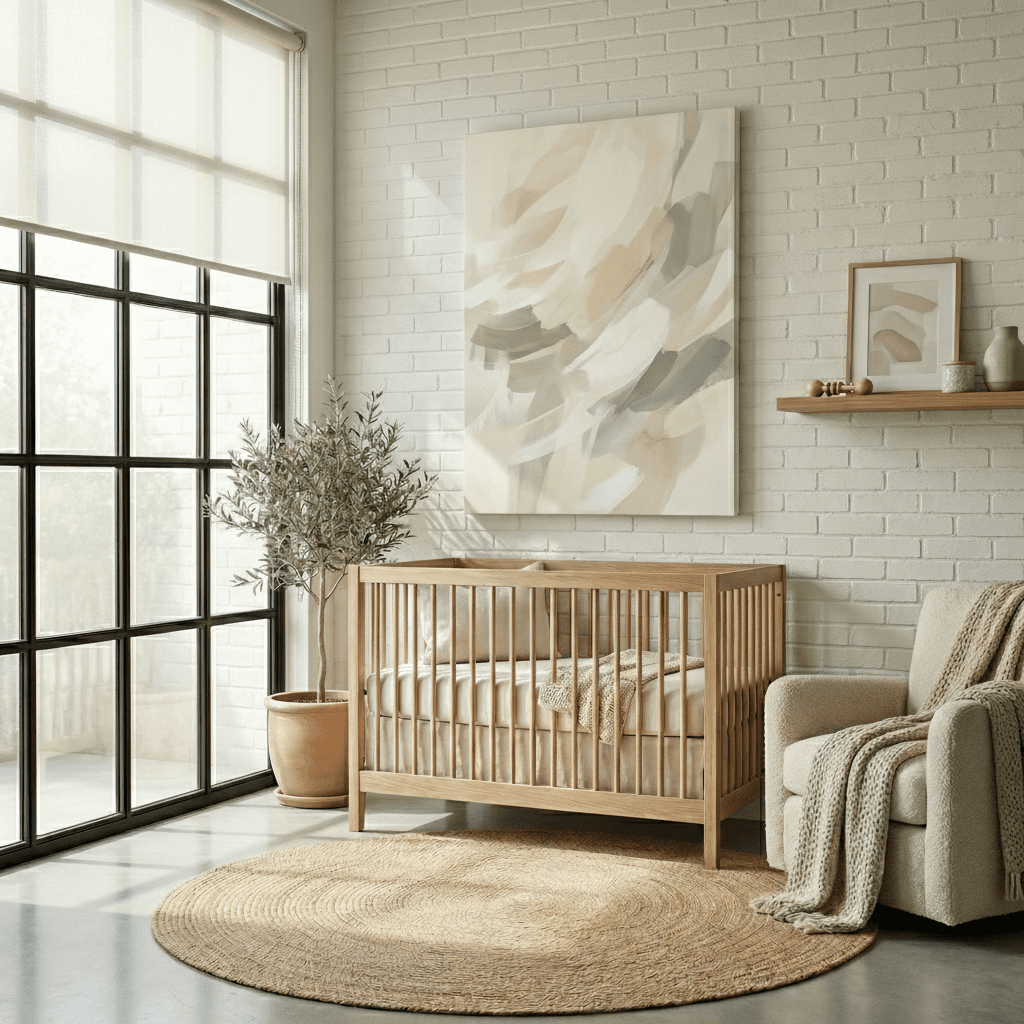
Neutral Muse Nursery
Calm earthy nursery
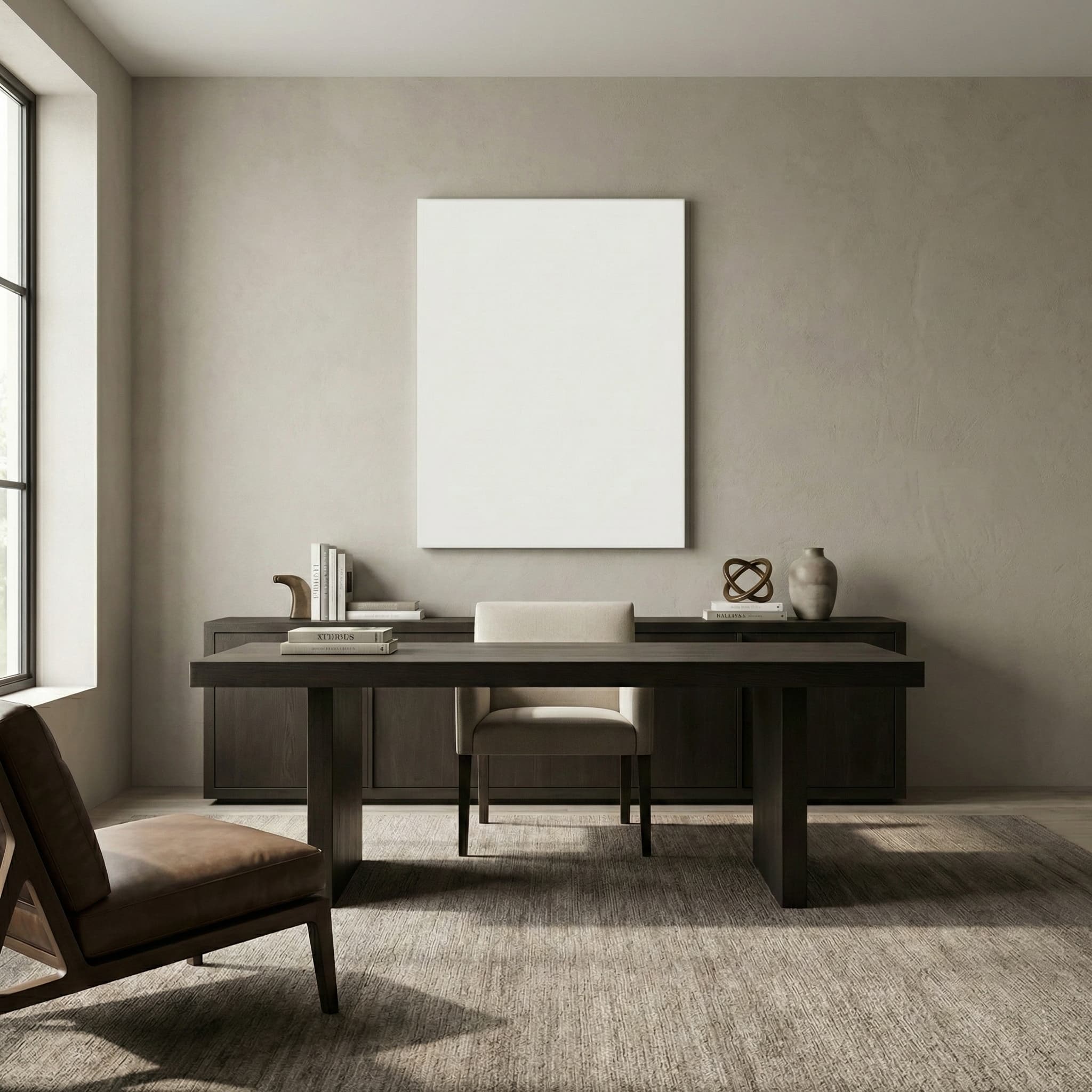
Modern Estate Office
Sophisticated home office
Create Canvas Mockups in 3 Easy Steps
Upload Your Art
Upload your canvas design in JPG, PNG, or SVG format.
Choose a Scene
Select from our library of stunning living room scenes.
Download & Sell
Get your high-resolution mockup ready for your listings.
8 Room Types, Endless Possibilities
Living rooms, bedrooms, bathrooms, nurseries, offices, kitchens, entryways, and close-ups
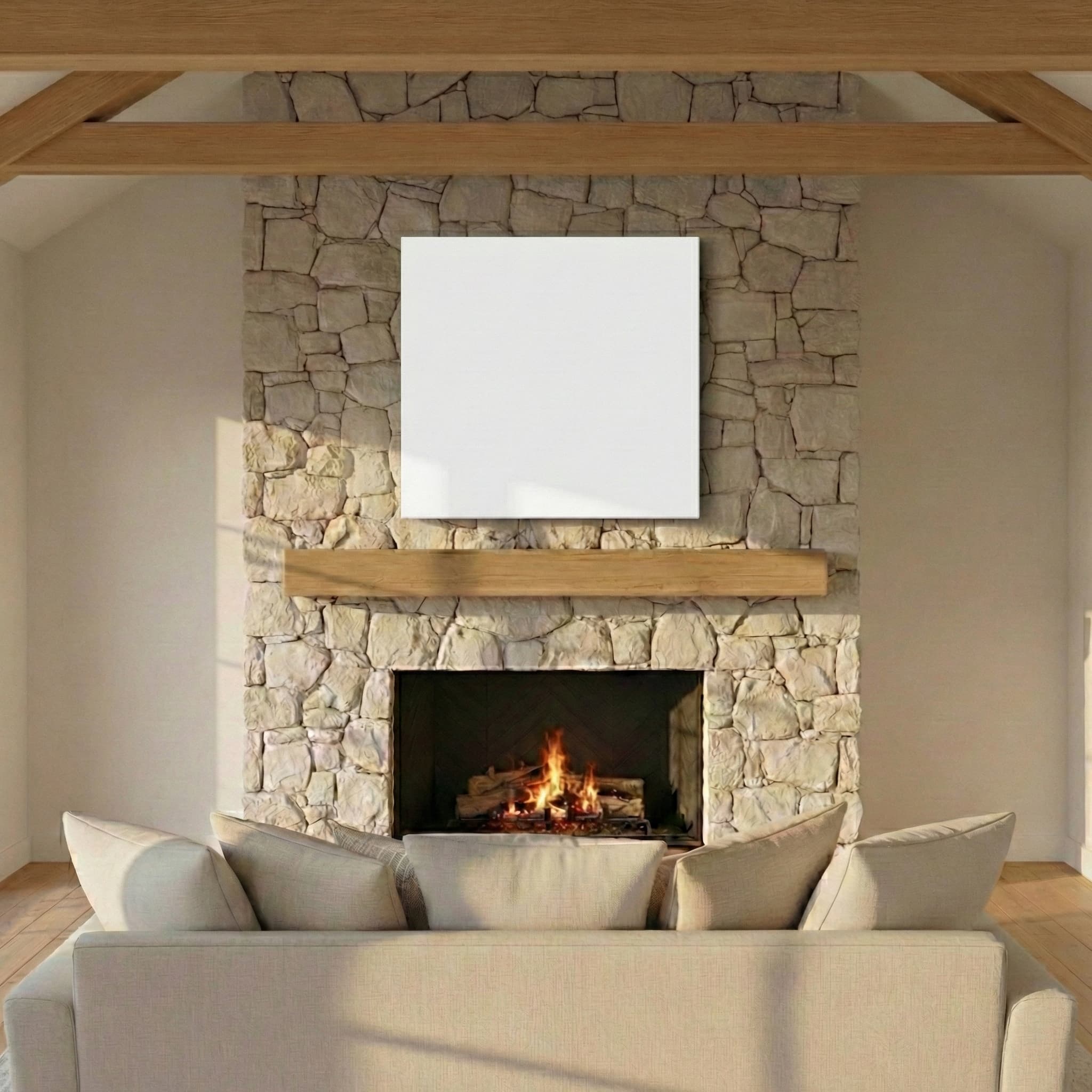 Living Room
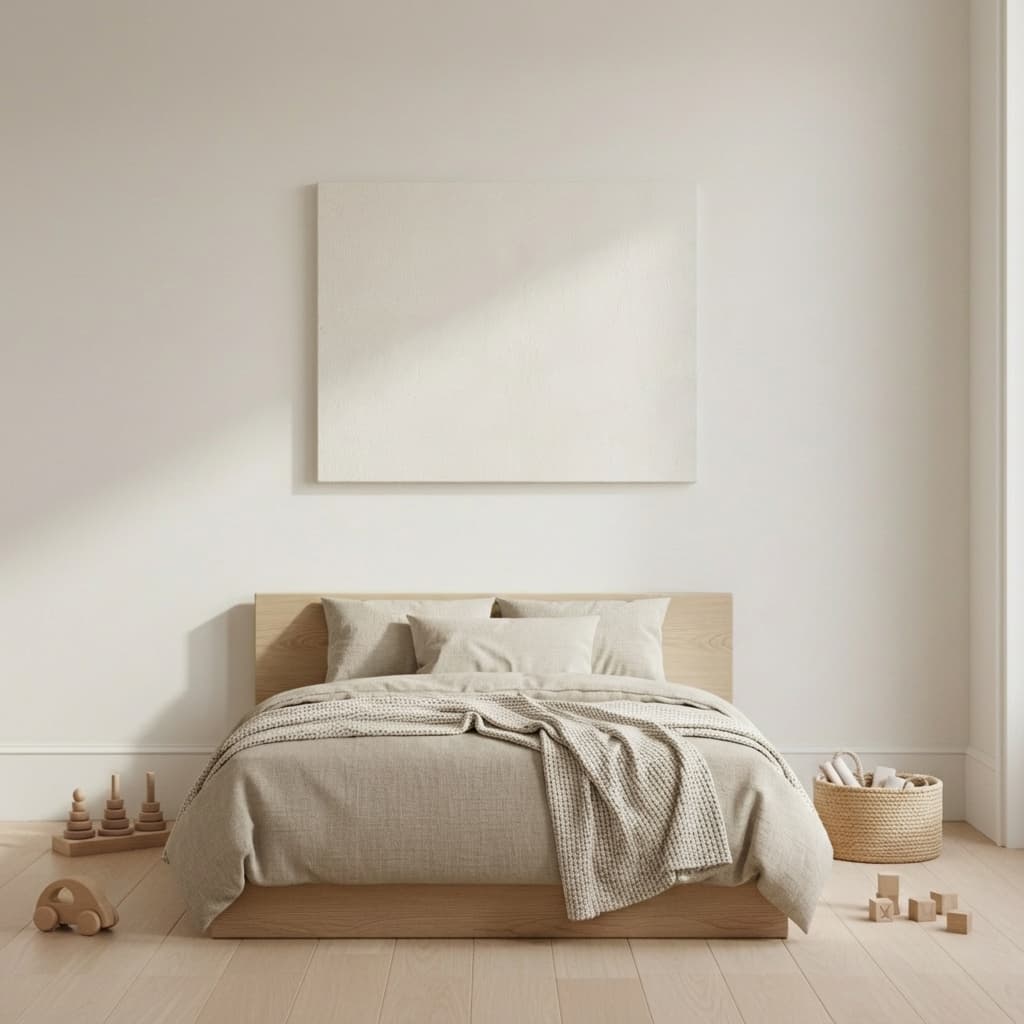 Bedroom
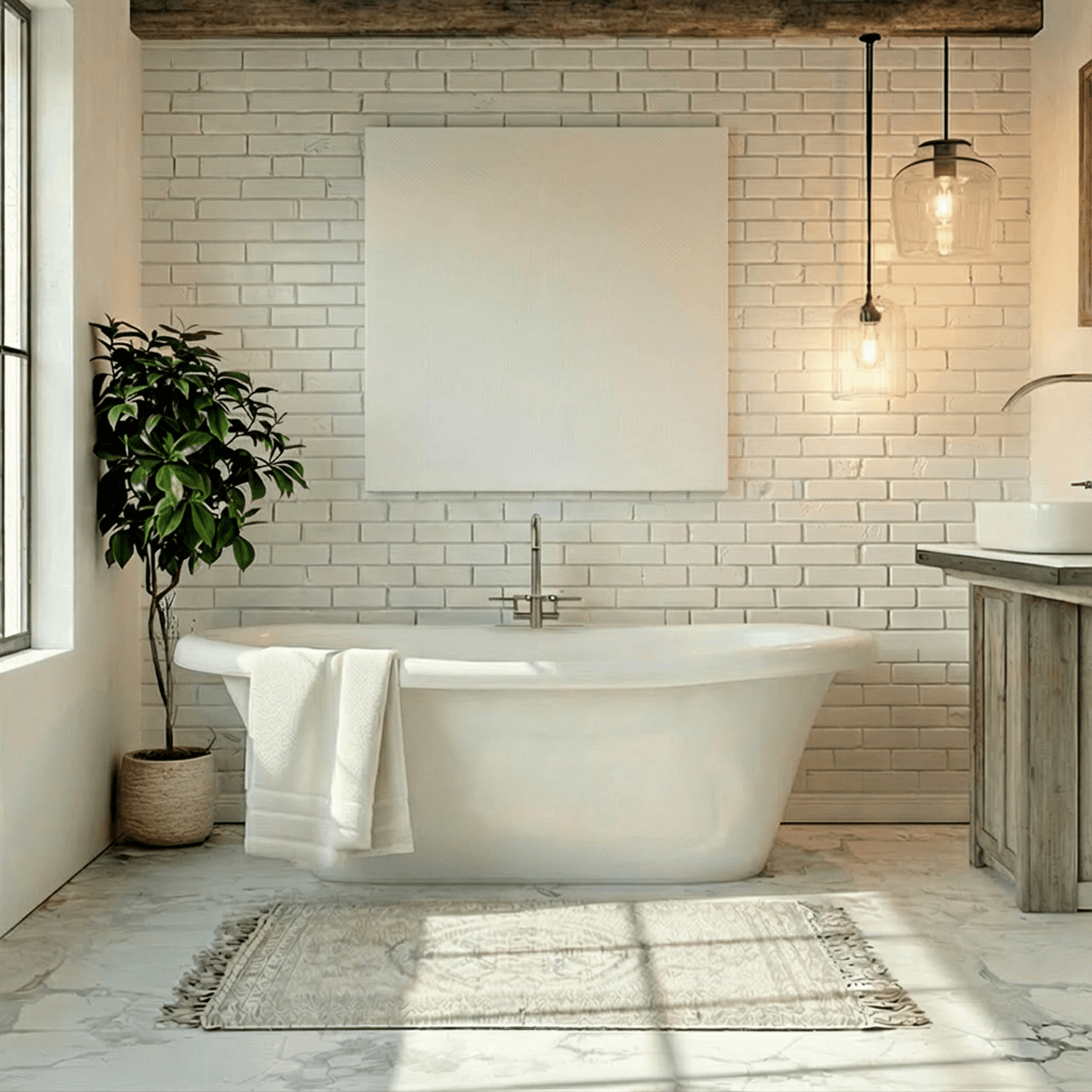 Bathroom
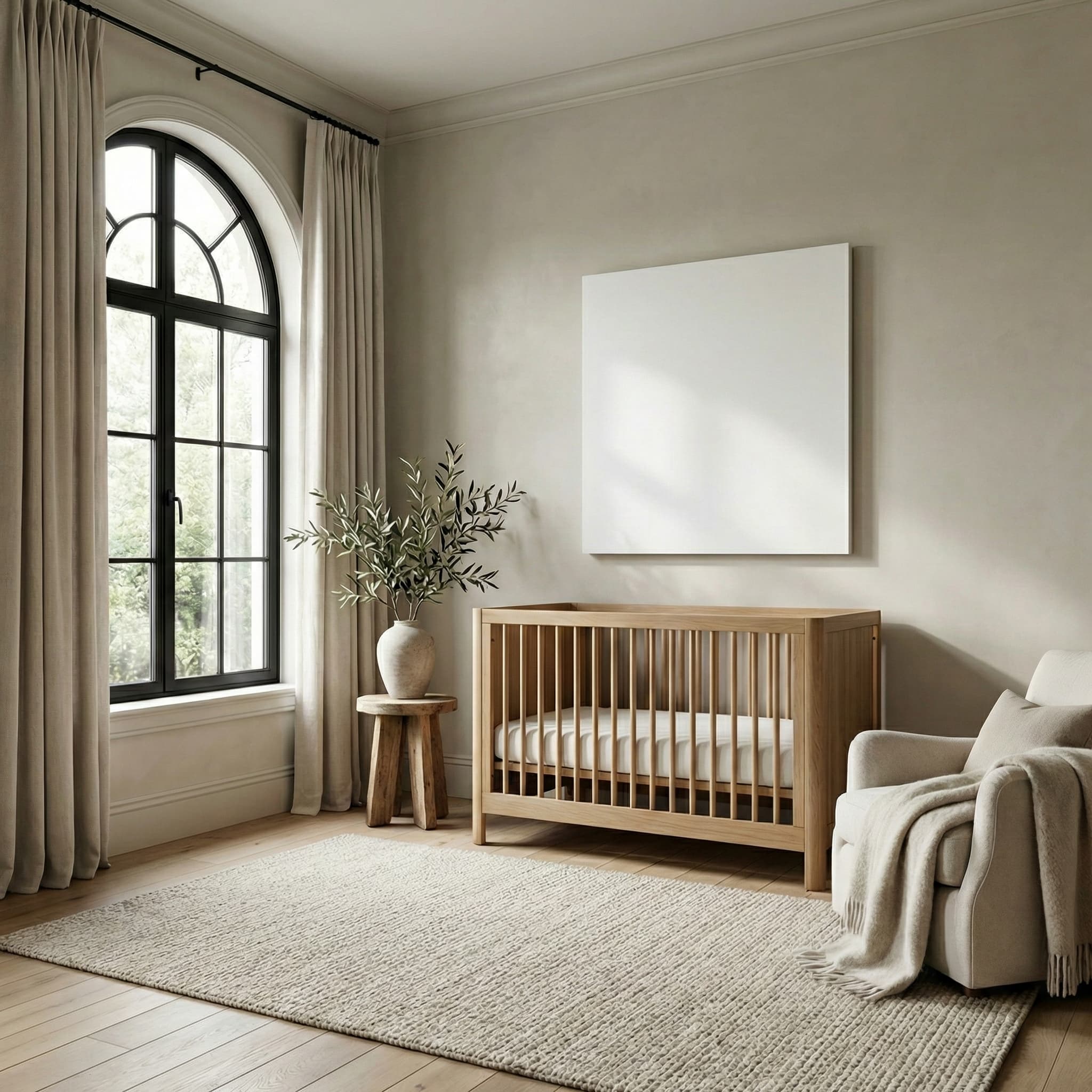 Nursery
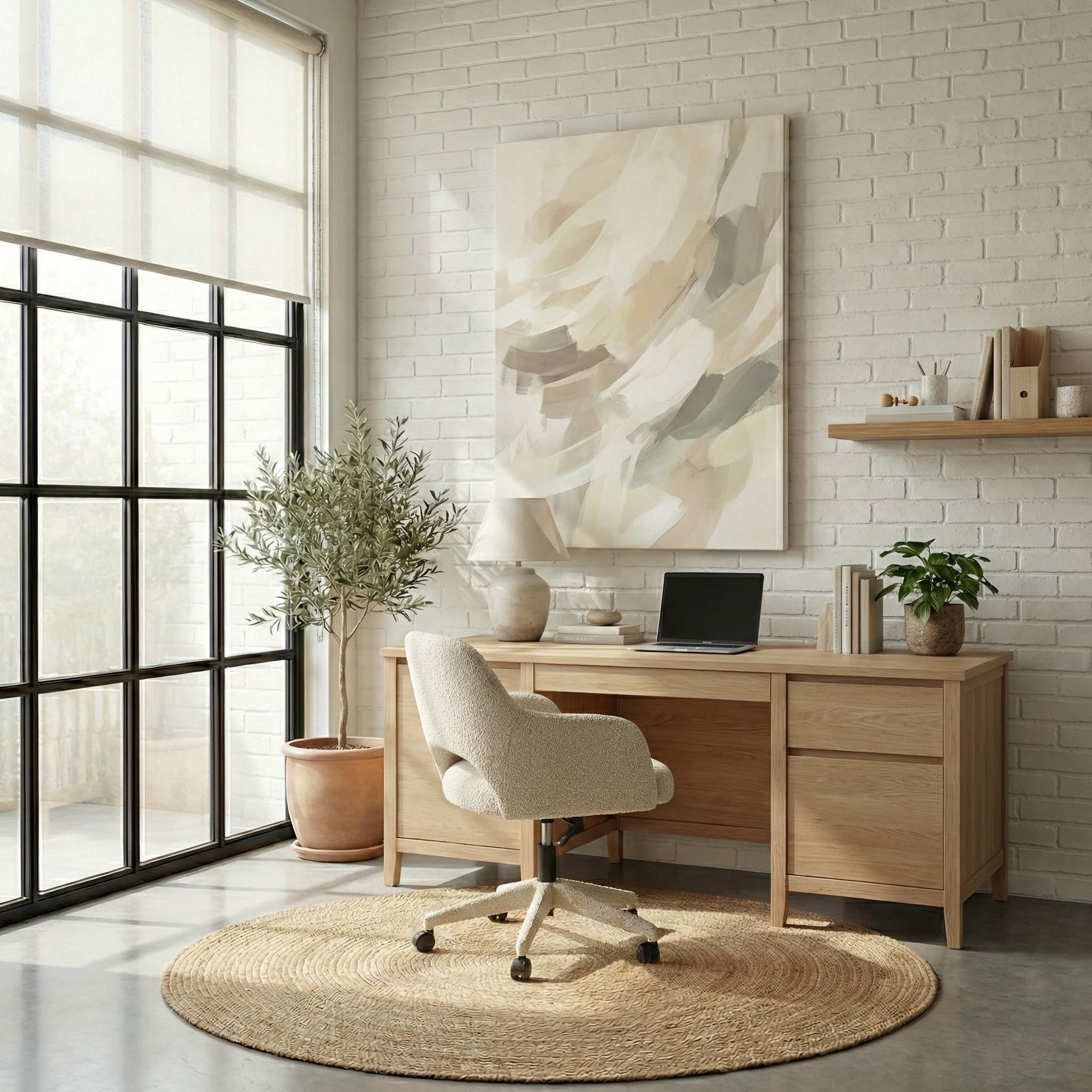 Office
 Kitchen & Dining
 Entry Way
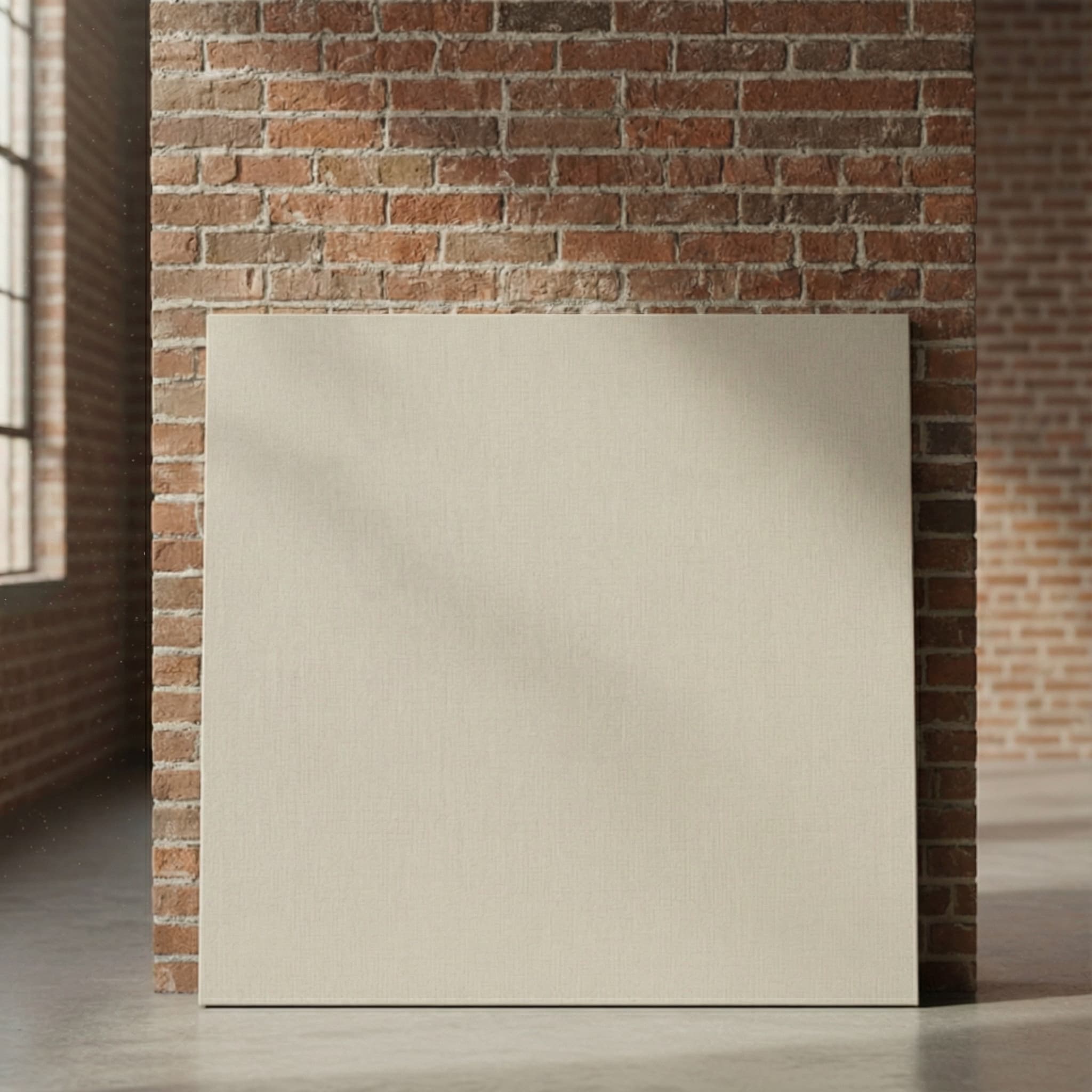 Close Up
Canvas Mockup Generator Features
- AI-Powered Scene Generation
- Every canvas mockup scene is AI-generated and unique to your shop. No other seller will have the same living room, bedroom, or office setting.
- 8 Room Types
- Living rooms, bedrooms, nurseries, offices, kitchens, bathrooms, entryways, and close-up views. Each generates a different AI scene every time.
- Multiple Orientations
- Square (1:1), horizontal (4:3), and vertical (3:4) mockups for each scene. Fill all your listing image slots with one generation.
- 300 DPI High Resolution
- Gallery-quality output suitable for Etsy, Amazon, Shopify, and all marketplace listing image requirements.
- No Photoshop Required
- Upload your art file (JPG, PNG, or SVG), pick a room scene, and download professional mockups in seconds.
- Full Commercial License
- 100% royalty-free with full commercial rights. Use on any marketplace, website, or social media platform.
Canvas Mockup FAQs
What image formats work best for canvas mockups?
JPG and PNG files work best. We recommend uploading at 300 DPI for the sharpest results. Transparent backgrounds are not needed for canvas mockups since your full image fills the entire canvas surface, just like a real stretched canvas print.
What room scenes are available for canvas wall art?
We offer a growing library of interior scenes including modern living rooms, farmhouse settings, coastal interiors, bedrooms, industrial cafes, bathrooms, and nurseries. Each scene is available in square, horizontal, and vertical orientations so you can showcase every canvas size. New scenes are added weekly.
Can I use these canvas mockups on Etsy and Amazon?
Yes. Every mockup you generate comes with a full commercial license. Use them on Etsy, Amazon, Shopify, eBay, Redbubble, your own website, and social media — no attribution required and no watermarks on downloaded images.
How are AI-generated canvas mockups different from Photoshop templates?
Traditional Photoshop smart object templates are shared by thousands of sellers, so your listings end up looking identical to competitors. Our AI generates unique scenes for every mockup — no two sellers get the same image. It takes seconds instead of hours, and you do not need any Photoshop skills.
What canvas sizes and orientations do you support?
Each scene supports square, horizontal, and vertical orientations. This covers all standard canvas sizes from 8×10 to 36×48 and beyond. Upload one design and generate all three orientations from the same scene to fill out your listing images quickly.
What file formats can I upload?
You can upload JPG, PNG, or SVG files. The AI preserves your exact artwork — colors, details, and composition — and places it onto the canvas surface in the room scene.
How many room types are available?
We offer 8 room types: living rooms, bedrooms, nurseries, offices, kitchens and dining rooms, bathrooms, entryways, and close-up views. Each room type generates a unique AI scene every time.
Can I use canvas mockups on Etsy and Amazon?
Yes. All mockups include a full commercial license — 100% royalty-free. Mockups are generated at 300 DPI in three orientations to meet all marketplace listing image requirements.
How long does it take to create a canvas mockup?
Under 30 seconds from upload to download. Upload your art, pick a room scene, and the AI generates your unique canvas mockup instantly. No Photoshop skills or photographer needed.
Explore More Mockup Types
Create professional mockups across all your product lines
Embroidery Mockups
Turn flat designs into realistic stitched previews for hats, polos, and patches.
Learn moreSticker Mockups
Visualize custom stickers on laptops, water bottles, and packaging.
Learn moreEtsy Mockup Generator
Listing images designed specifically for Etsy sellers across all product categories.
Learn moreRelated Guides & Articles
Learn more about creating professional mockups for your products
How to Sell Canvas Wall Art on Etsy
Complete guide to selling canvas prints and wall art on Etsy with POD.
Read articleEtsy Product Photos That Sell
Learn which listing images drive the most sales for wall art on Etsy.
Read articleProduct Mockups Without Photoshop
Create professional wall art mockups without any design software.
Read articleBest AI Mockup Generators
Compare the top AI mockup tools for e-commerce sellers in 2026.
Read articleReady to create stunning canvas mockups?
Create professional wall art mockups with AI in seconds
No credit card required · 5 free mockups · Cancel anytime